
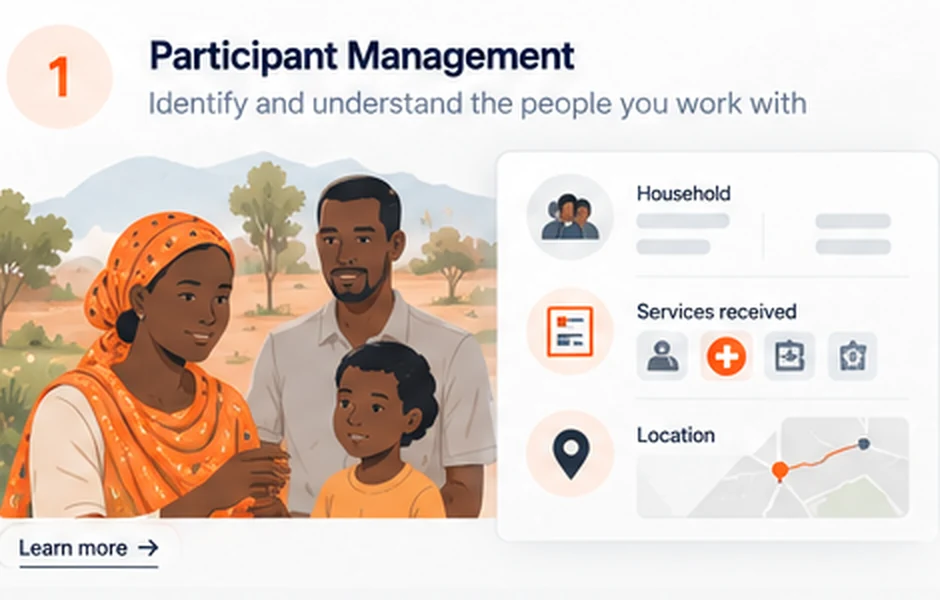
01
Participant management
Clear records, relationships and assistance history.
CORE / Features
CORE connects the flow of operational data so teams spend less time entering, transferring and correcting information. Shared records, automation and quality controls make programme delivery more efficient and reduce avoidable administrative costs.
Capability map
Fewer manual steps. Better data. Less rework. The capabilities below help teams deliver services with less time spent on administration, fewer errors and less waste.
Clear records, relationships and assistance history.
Individual, Household, Collective and Facility.
Automatically identify every CORE record.
Retain identifiers from existing or external systems.
Keep relevant entity relationships connected.
Find and work with participant records.
Support more reliable identification.
Create participant records efficiently.
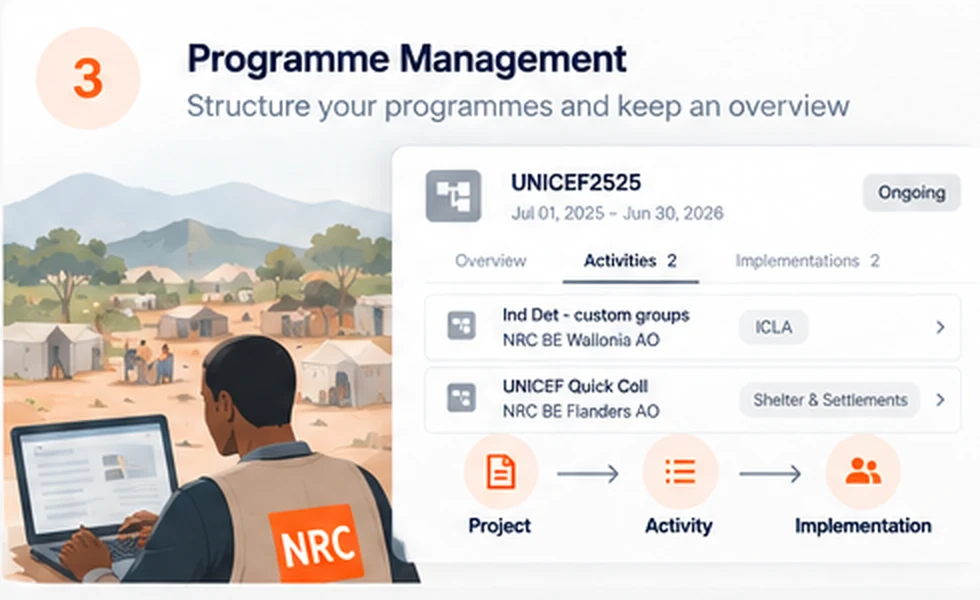
Structured oversight from project to implementation.
Maintain donor and contractual project information.
Define outputs, targets, geography, team and target population.
Connect delivery to quantitative targets.
Support counting rules appropriate to programme delivery.
Support programme selection processes.
Clone Activities, Activity Implementations and Forms to avoid rebuilding recurring configurations.
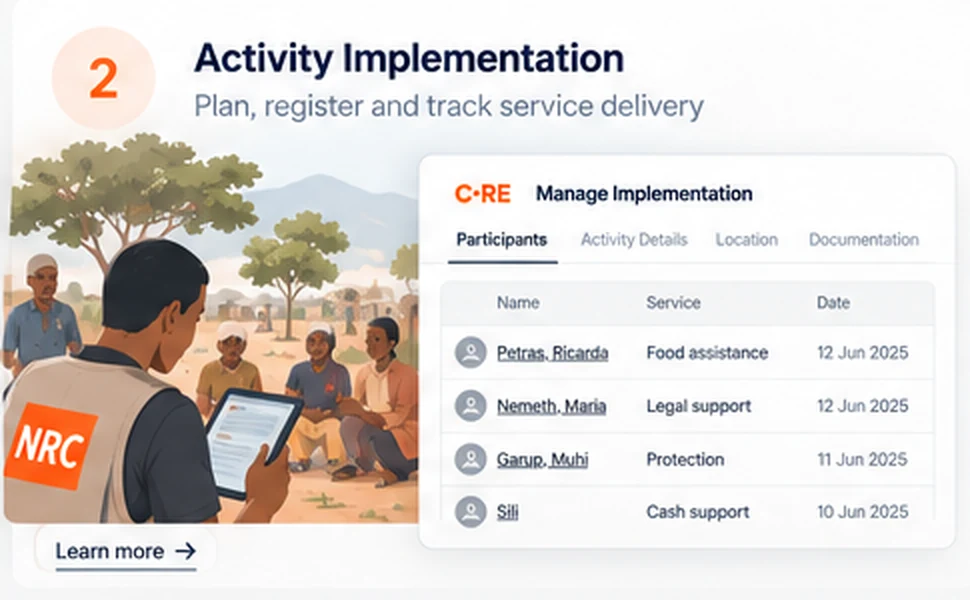
Actual delivery documented in context.
Document actual programme delivery.
Reuse relevant Activity metadata.
Follow progression from identification through selection, implementation and handover.
Document which participants progress through delivery stages.
Distinguish identified, selected and actually reached populations.
Add structured contextual information.
Document items distributed where relevant.
Relate implementation to Activity targets.
Retain a connected record of delivery.
Work with implementation participant lists.
Assign cases and Activity Implementations between colleagues or managers while retaining context.

Use the same form standard as Kobo and ODK.
Reuse or clone recurring forms.
Capture structured assessment information.
Capture signatures through Kobo or retain an image where appropriate.
Build on established field data collection standards.
Extend relevant entity types with recurring contextual information.
Add a field and value to a specific Participant or Activity Implementation.
Choose between standard fields, entity extensions, ad-hoc information and Forms according to the need.

Standard formats, entry controls and review improve data quality at source.
Identify records consistently and flag potential duplicates before they distort results.
Link participants, implementations, items and programme context throughout the model.
Log actions and retain the evidence needed for later Programme, Finance and Supply reviews.
Use default population counting rules or configure institutional and donor indicator requirements.
Reuse structured operational data, reducing manual transfers and reporting errors.
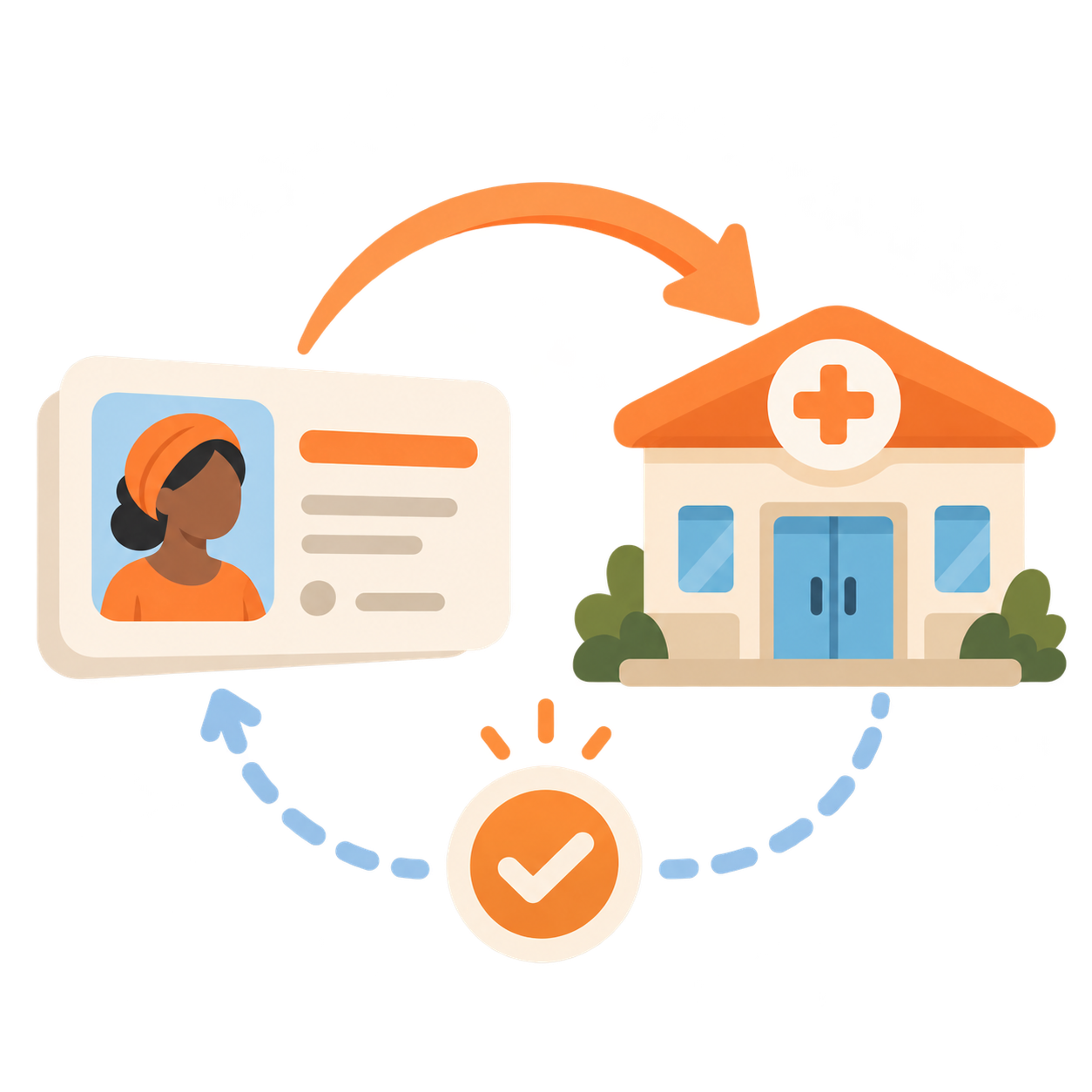
Create referrals connected to participant context.
Document progress and outcomes.

Represent departments, sectors, offices, teams, positions and management relationships.
Examples Department · Sectors · Country Offices · Teams · Positions · Managers
Maintain reusable structured locations and administrative geography.
Examples Administrative levels · PCodes · GIS references
Manage platform users.
Control access according to responsibilities.
Maintain common values.
Support organisational authentication such as OKTA.
Bring existing structured data into CORE.
Use CORE data in downstream workflows.
Exchange structured information with other systems.
Connect field data collection.
Use structured operational data for business intelligence.
Support exchange with wider information ecosystems.

Keep supporting files with relevant records.
Connect records to useful external resources.
Navigate operational information efficiently.
Generate attendance and distribution sheets for paper or digital use through Kobo, reducing preparation time and transcription errors.
Structure once → Implement many times → Reuse & connect → Exchange & analyse.
Explore the model